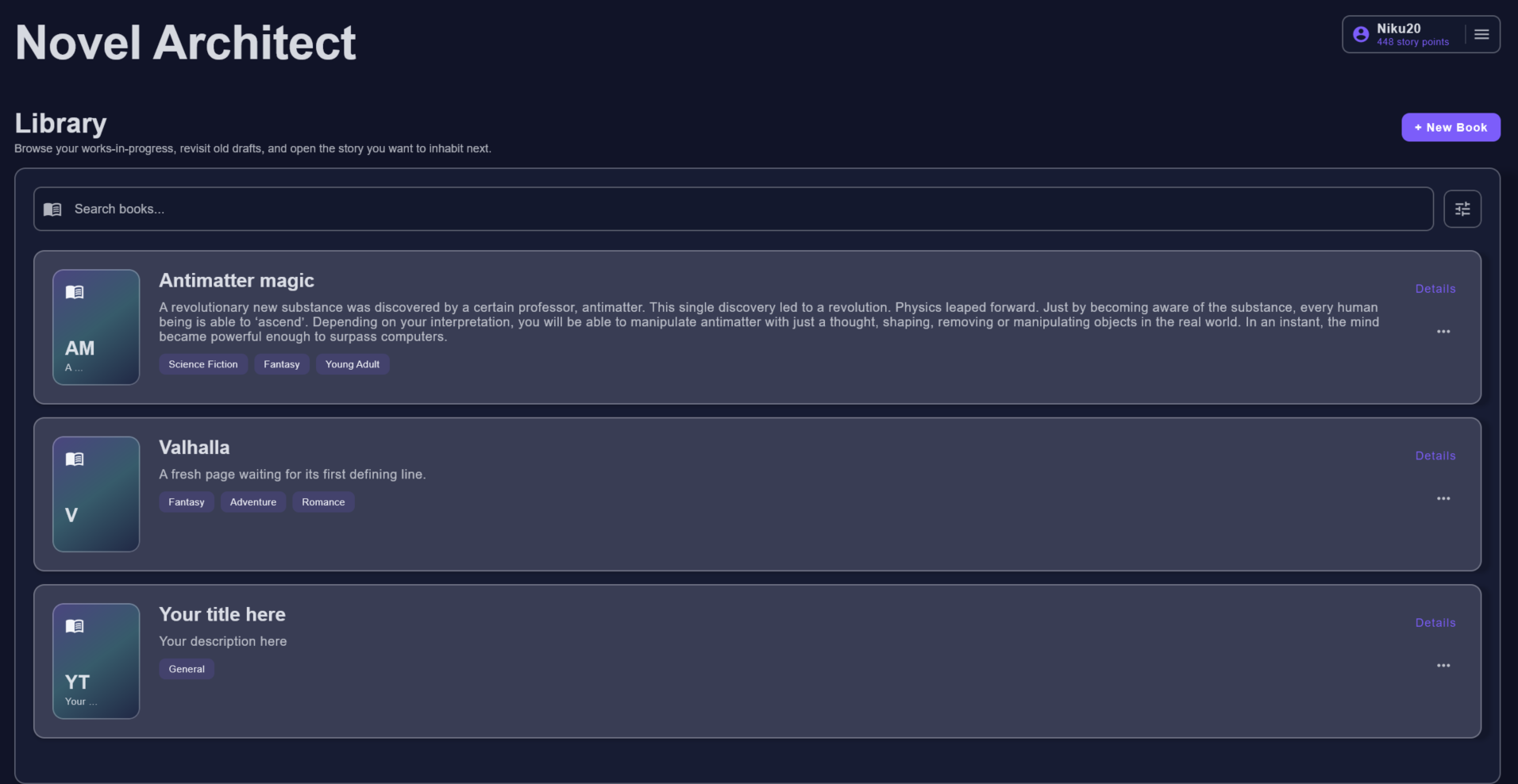
Library
Start from a clean selection screen that keeps all novels searchable and organized.
Screenshots
Browse the library, book setup, chapter workspace, context library, AI request dialogs, templates, and reviewer screens.
Start from a clean selection screen that keeps all novels searchable and organized.
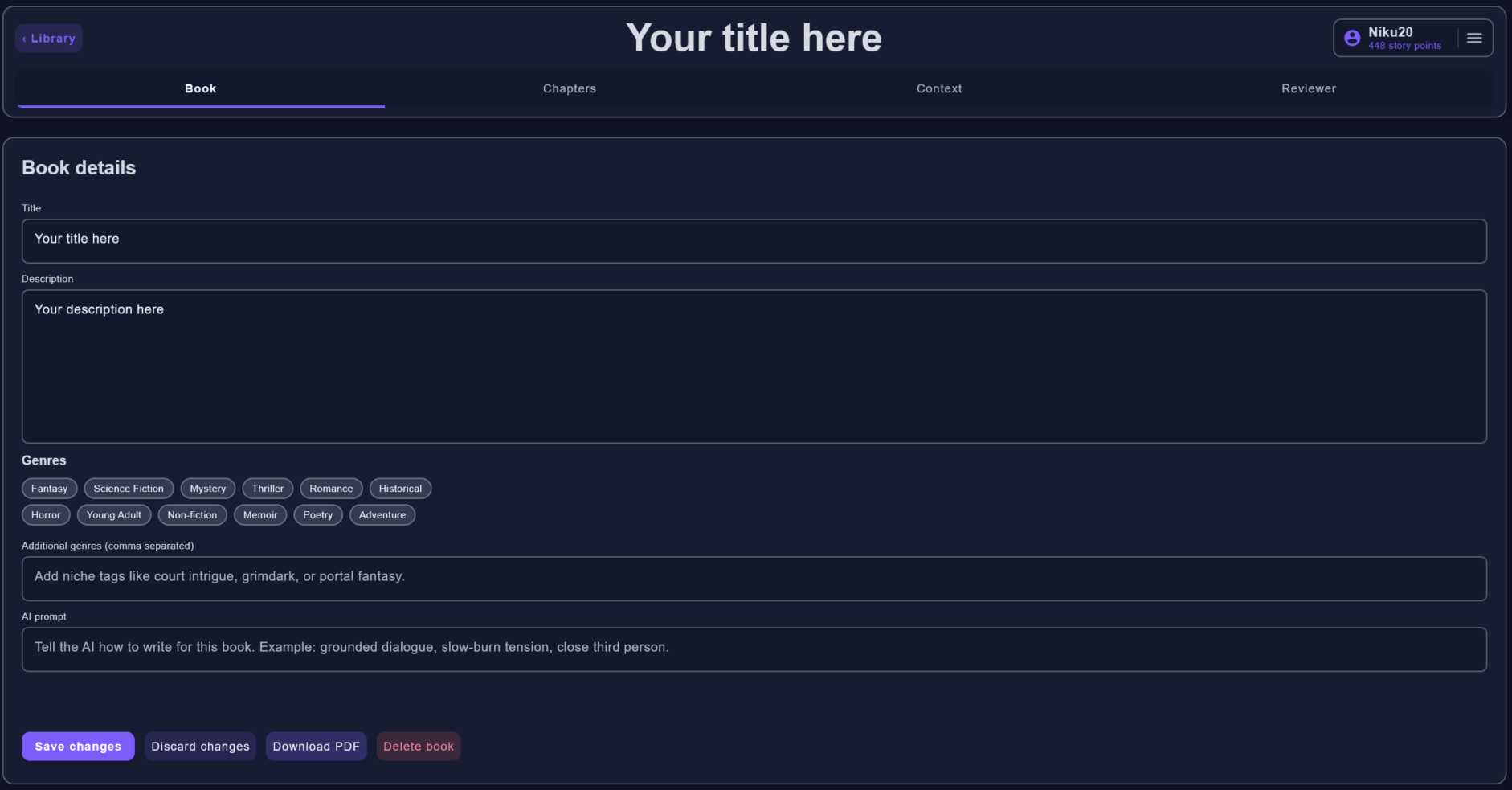
Edit title, description, genres, and the book-level instructions used by AI requests.
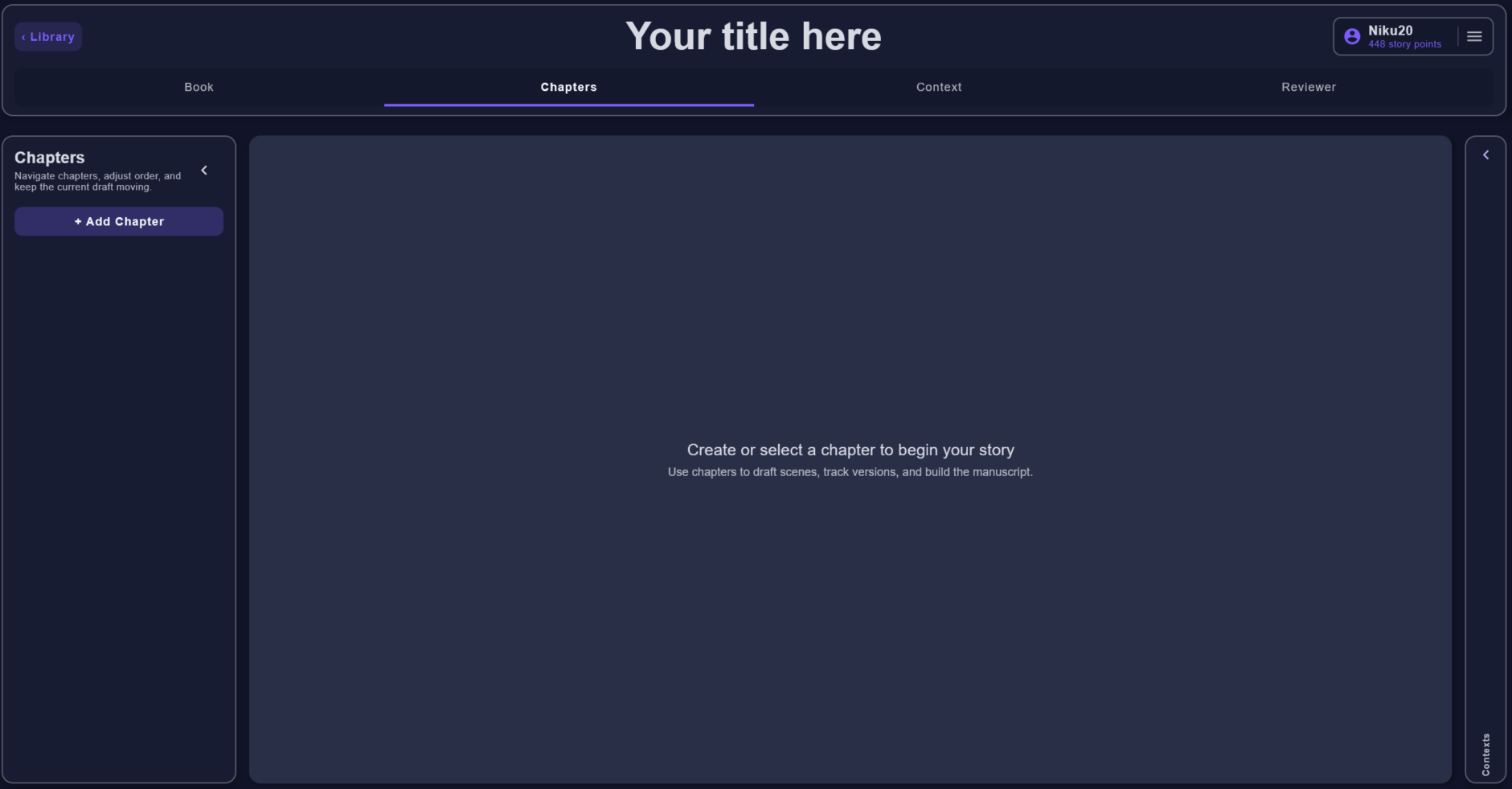
Create or select a chapter before drafting skeletons, stories, versions, and context.
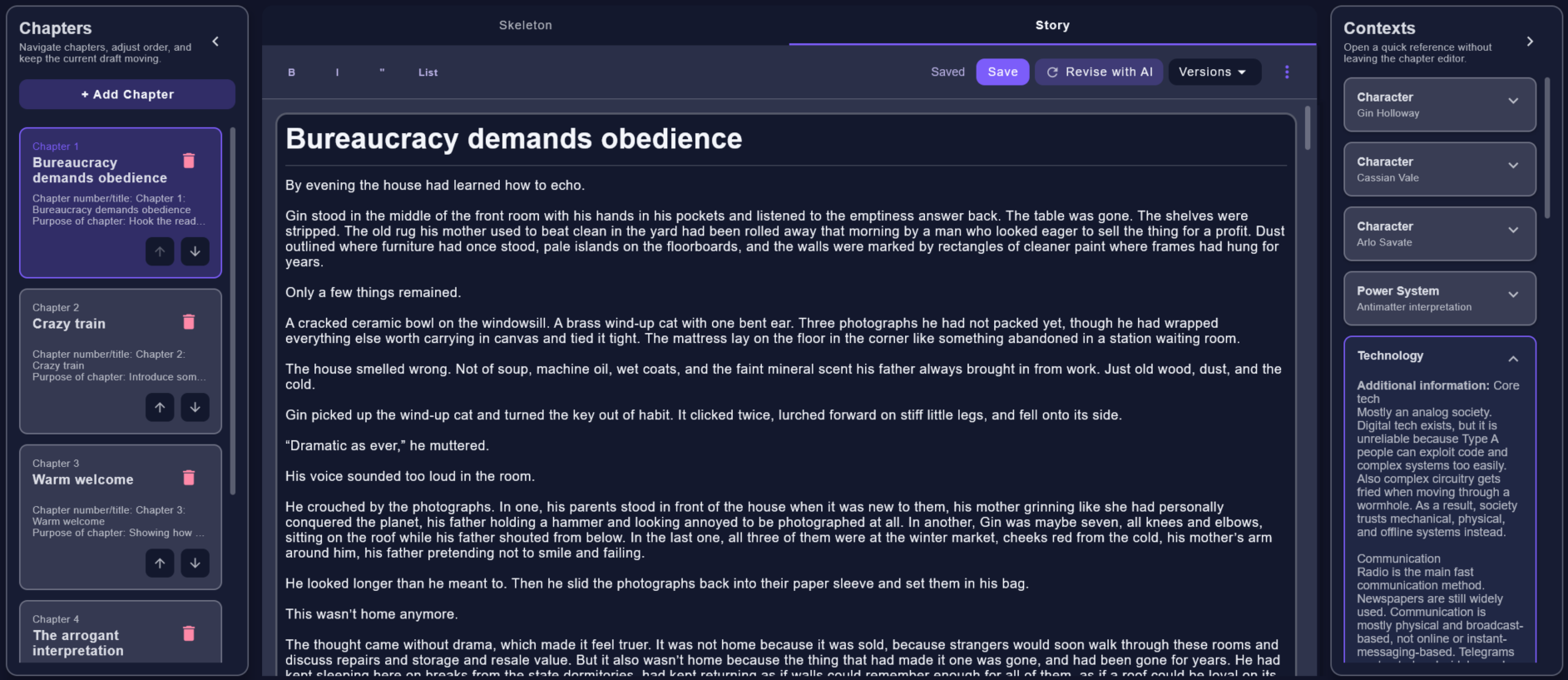
Draft with chapter lists, skeleton/story modes, save status, versions, and context nearby.
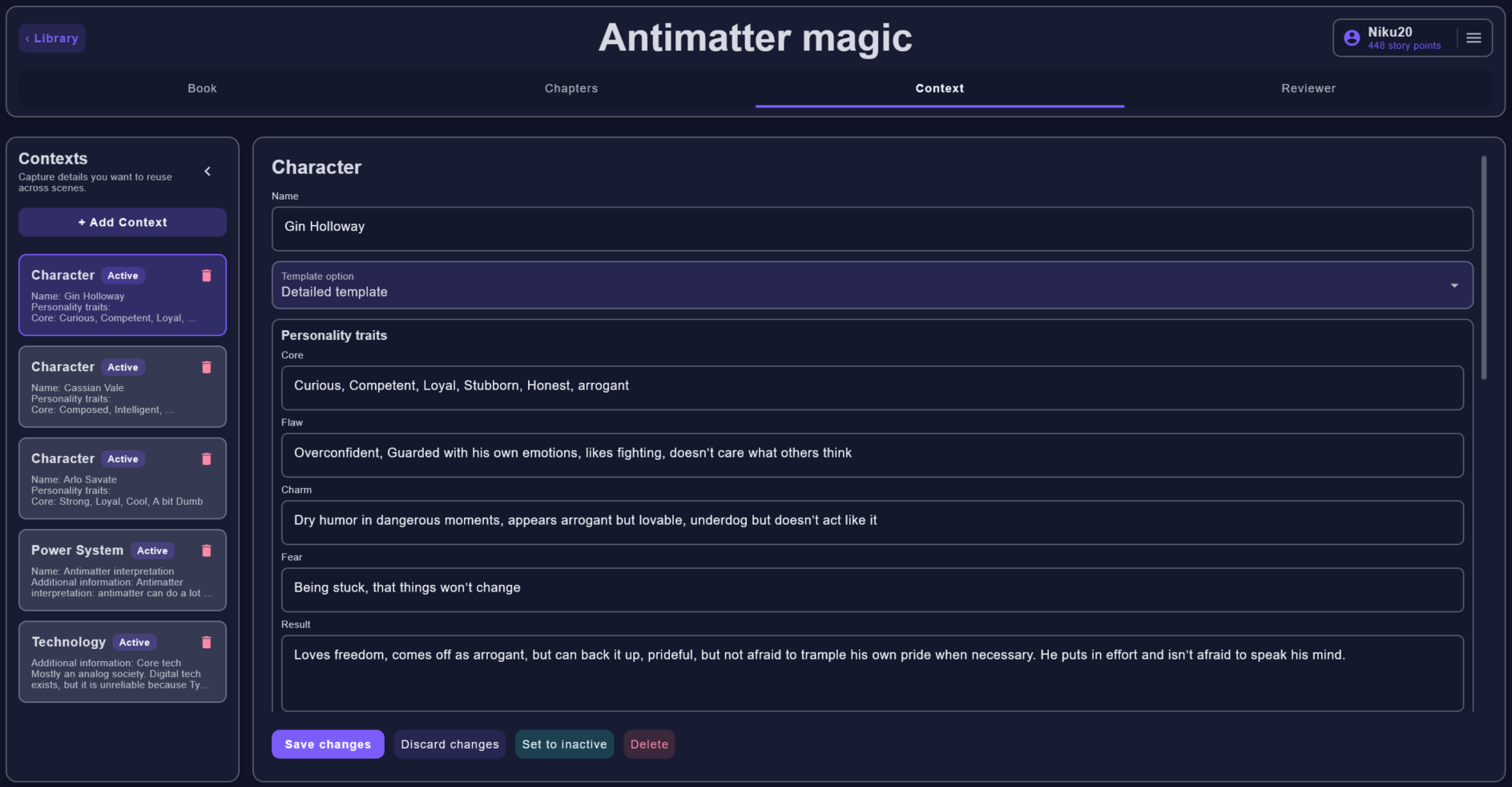
Capture reusable world, character, faction, location, and continuity details.
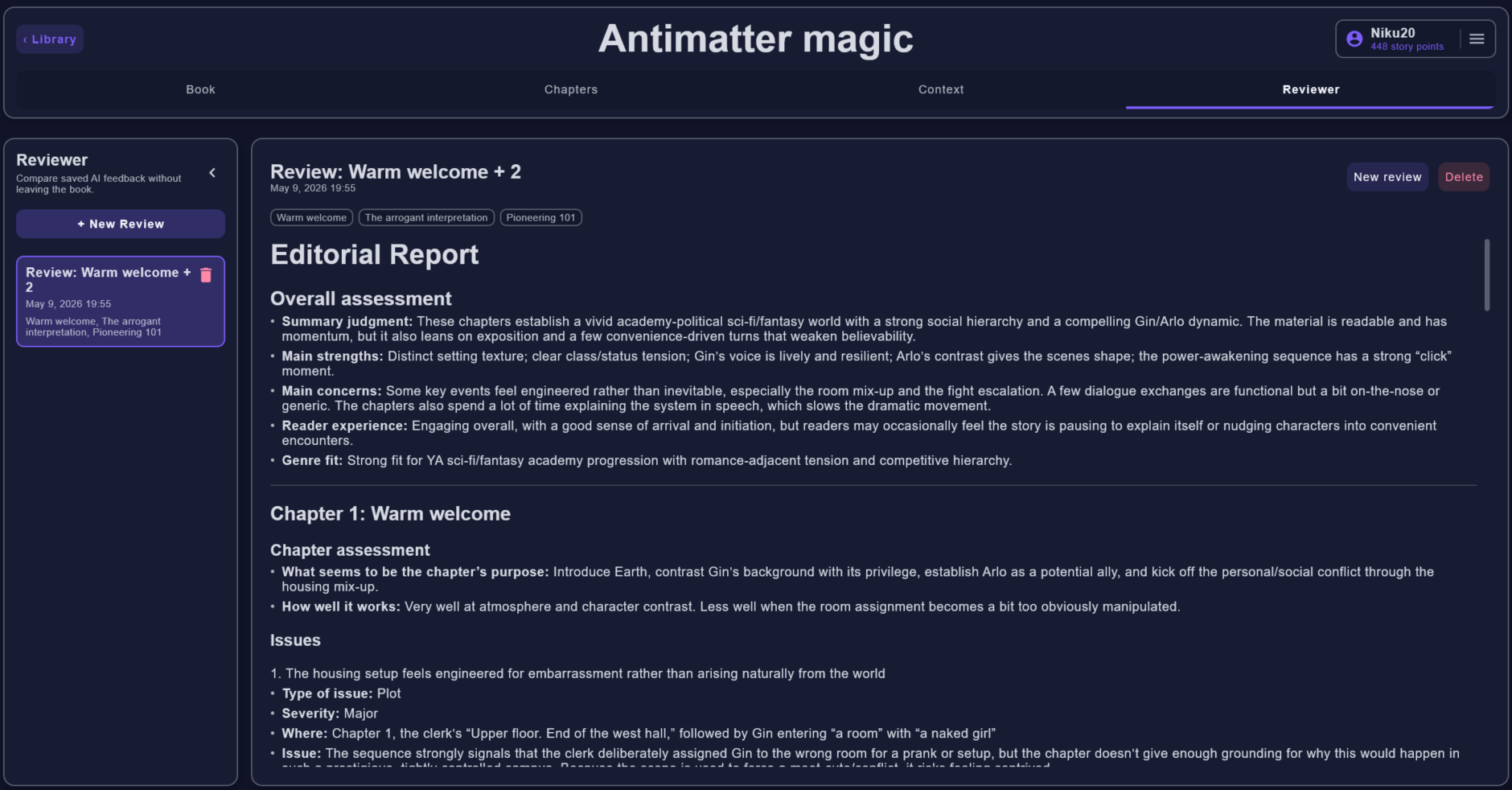
Read saved AI editorial reports without leaving the book workspace.
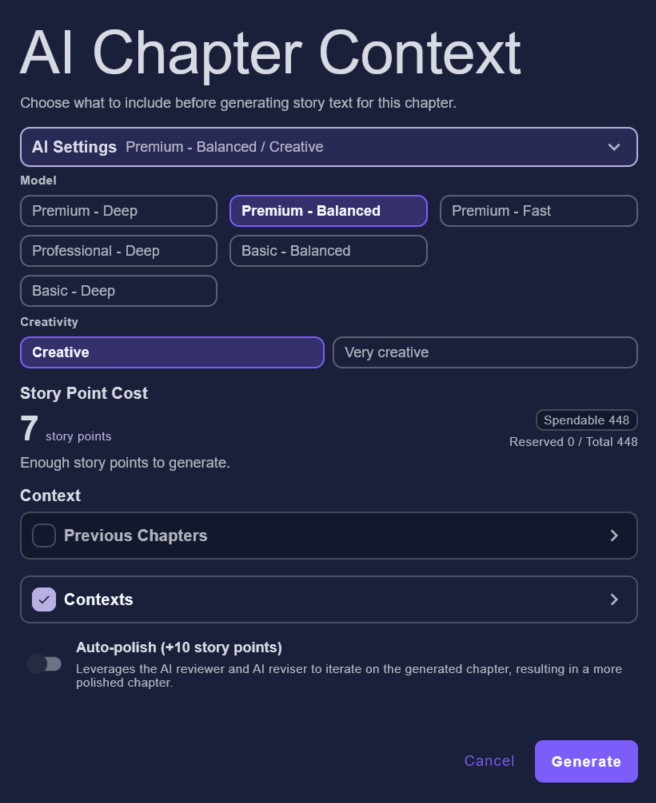
Select model, creativity, previous chapters, contexts, and auto-polish before spending story points.
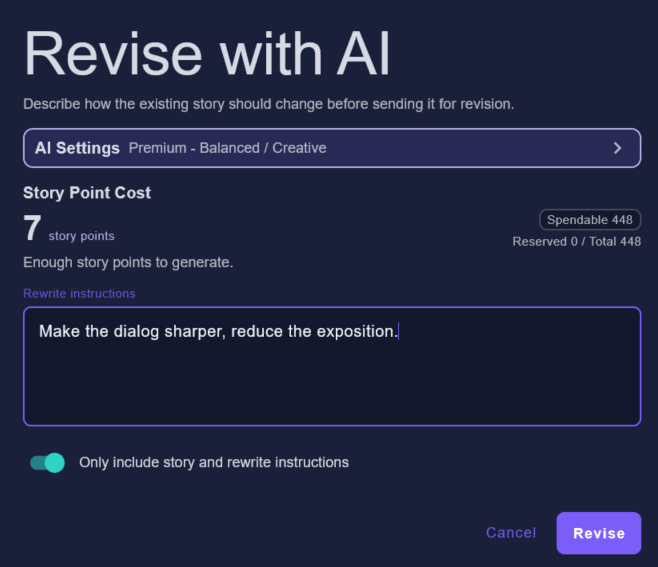
Describe how an existing story version should change and save the result as another version.
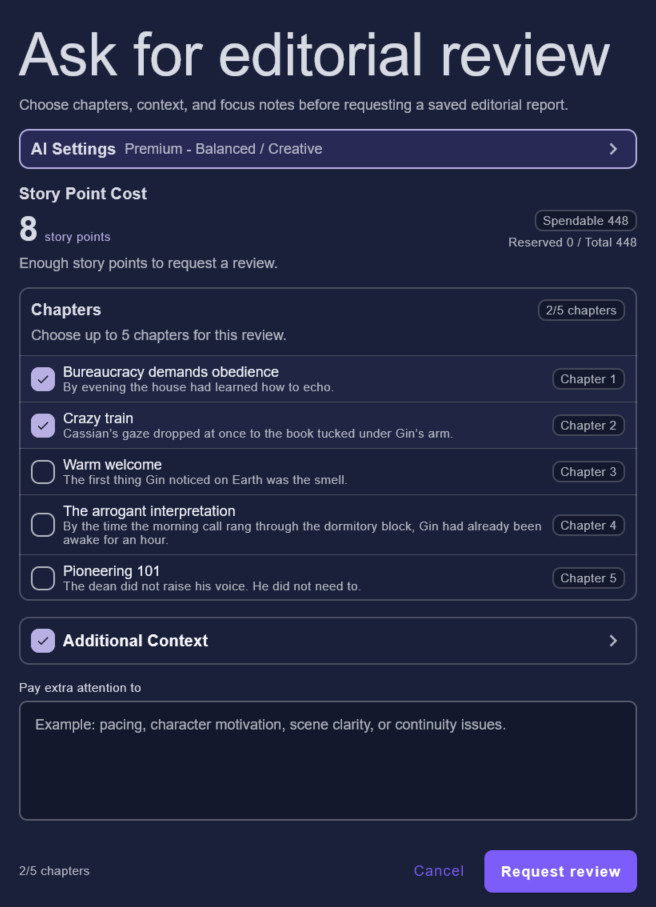
Select chapters, add focus notes, and include supporting context before requesting a report.
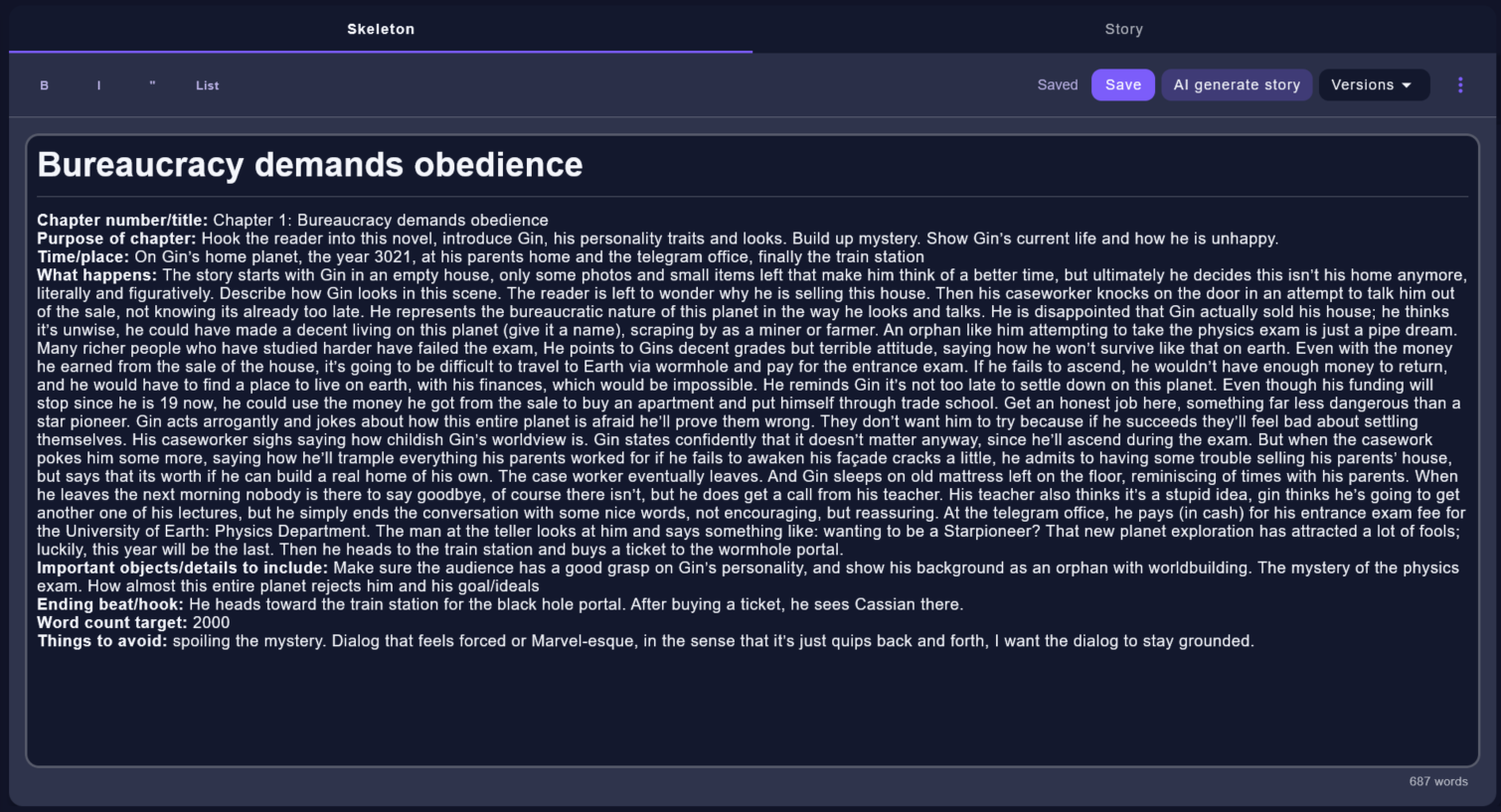
Write the chapter plan that guides the story generator.
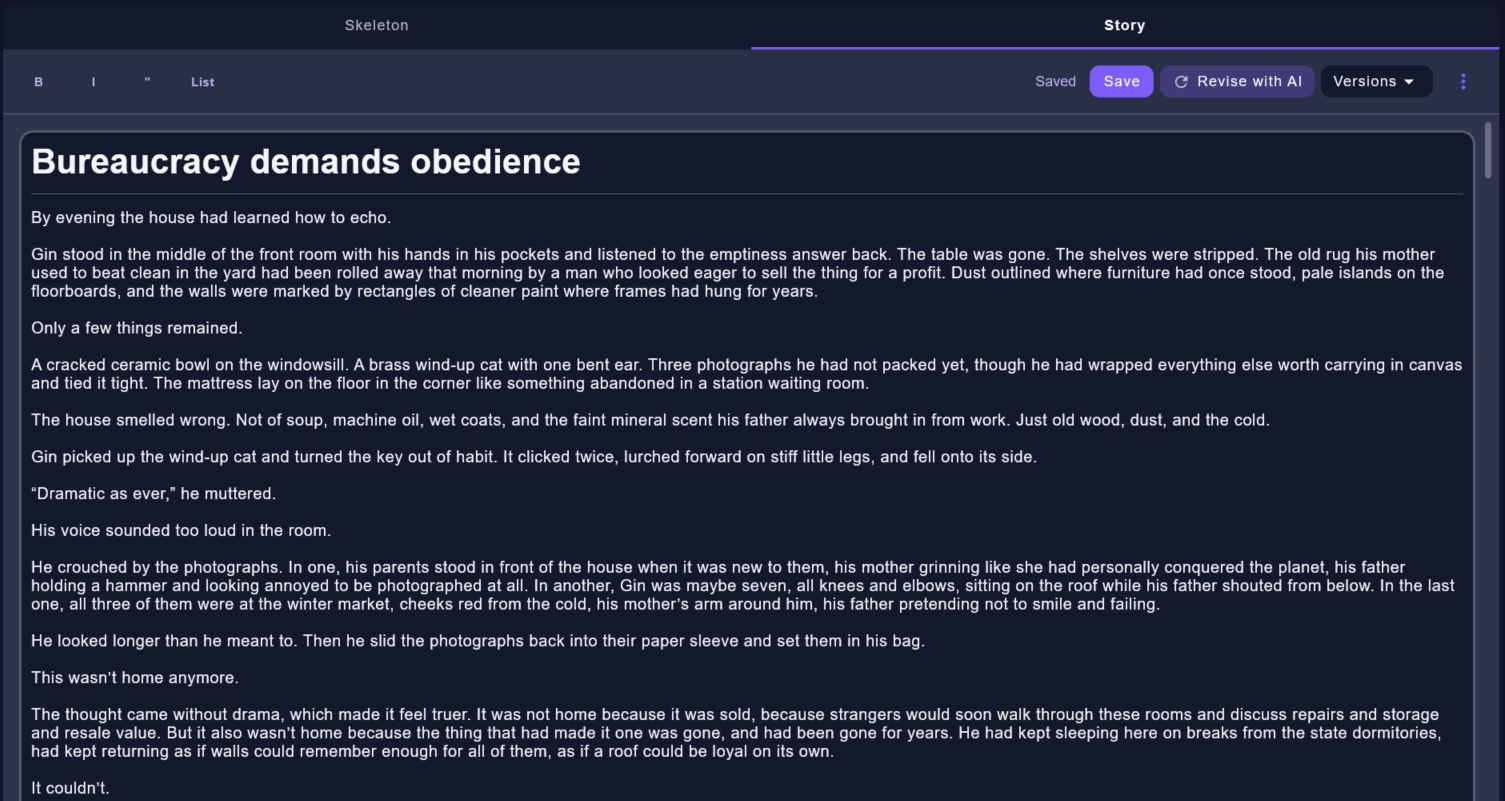
Review, edit, compare, or revise the story version returned by AI.
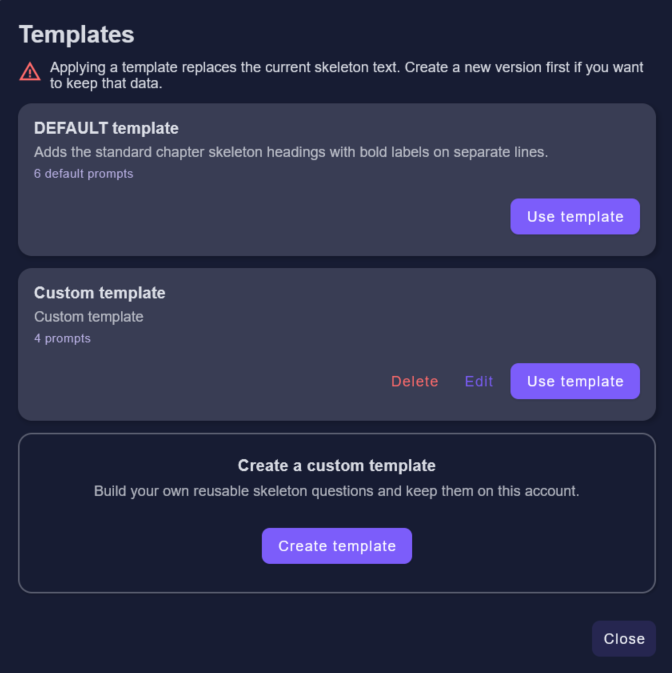
Apply a default or custom template when starting a chapter skeleton.
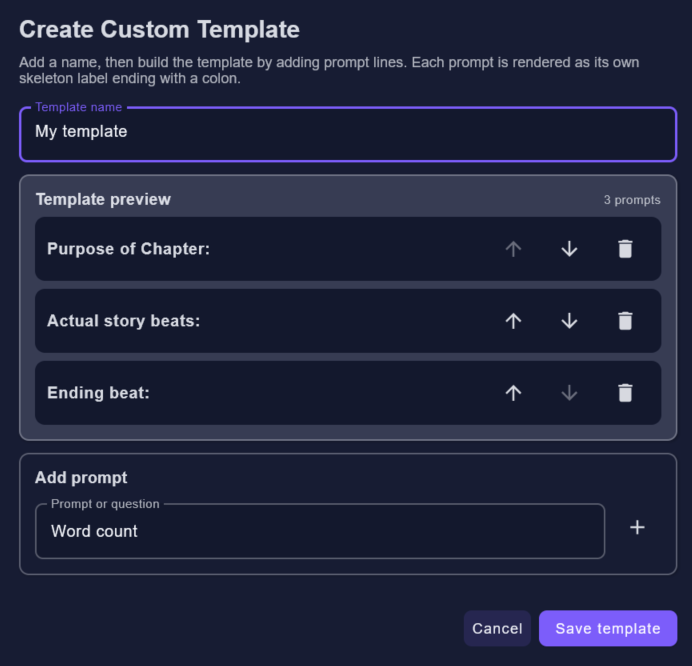
Create reusable skeleton prompts for your own planning style.